top of page

Scored quiz template
Create a scored quiz with this comprehensive quiz template designed to help you create interactive quizzes with automatic scoring and personalized results.
Customize this free quiz template to suit your specific needs, and build the perfect online quiz to engage your audience, assess knowledge, and create interactive learning experiences that help educators, marketers, and businesses create an online quiz in minutes while providing real-time feedback and results based on score performance.
This scored quiz template helps any educator, marketer, or business easily create a quiz that includes multiple choice questions, automatic scoring, and personalized feedback. Whether you're creating trivia quizzes, vocabulary quizzes, personality quizzes, or educational assessments, this interactive quiz template allows you to make a quiz quickly, customize question types, and create your own online quiz that provides immediate results and engages quiz takers through interactive learning experiences.
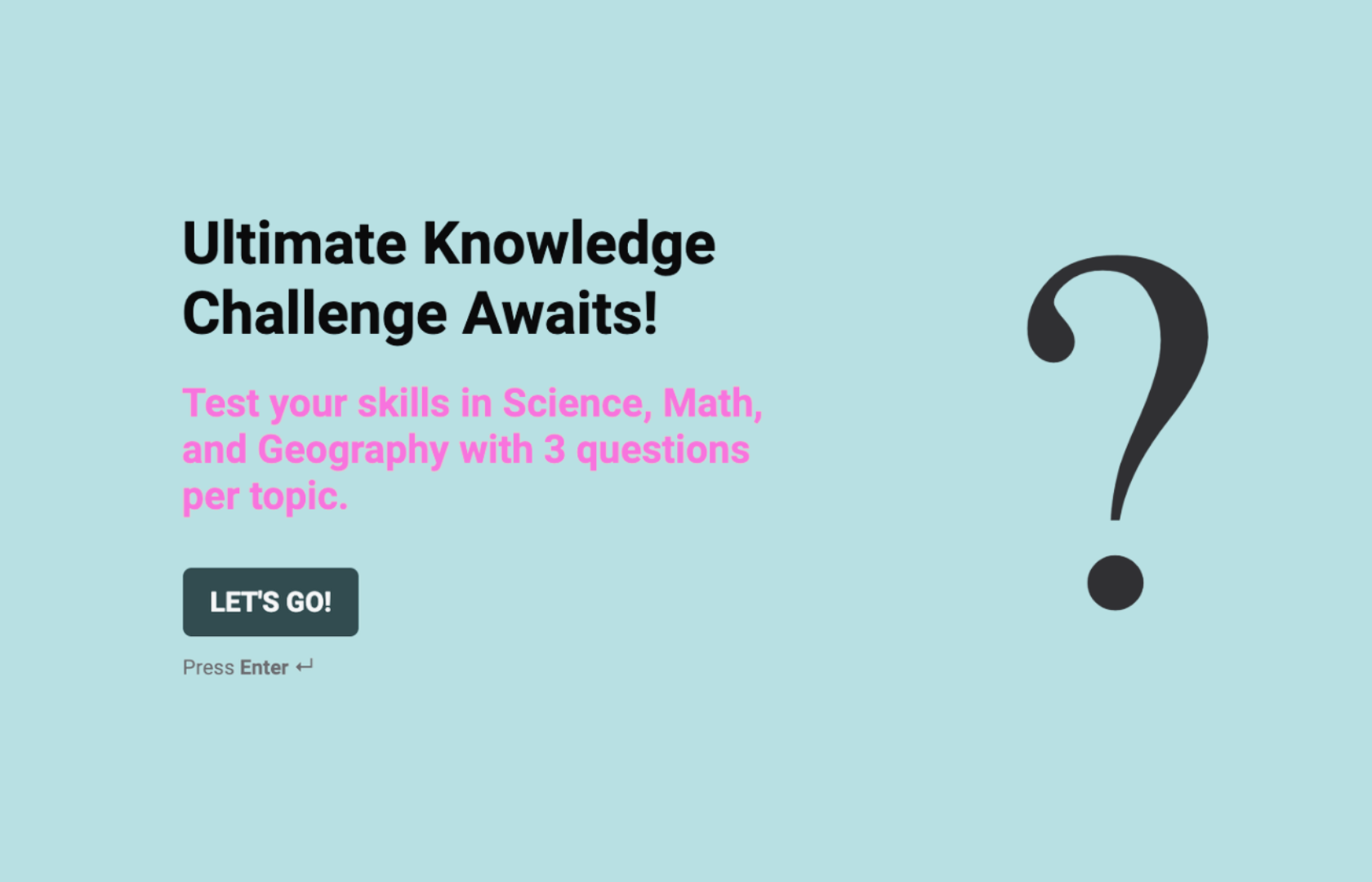
Create a scored quiz that delivers engaging assessments and captures valuable insights
Make a quiz using Formly's no-code quiz maker platform.

Fully brand your online quiz with colors, fonts, and logos and embed them exactly where your audience encounters them—on your website, in educational platforms, and marketing campaigns.


Scored quiz maker FAQs
1. How do I use this scored quiz template?
Start by selecting the ready-made template in Formly's quiz maker that helps you create a quiz in minutes. From there, you can easily customize the quiz template to match your requirements and include questions that assess knowledge, skills, or preferences using various question types. Set up the scoring logic to assign points for correct answers and create quiz feedback based on the score achieved. This free quiz template is designed for educators and marketers but can be adapted for any use case that needs interactive quizzes—from trivia quizzes and vocabulary assessments to personality quizzes and lead generation tools. The template makes it easy to create your quiz and customize the entire quiz experience.
2. What question types can I include in my online quiz?
Effective scored quizzes typically include multiple choice questions, true/false options, and dropdown selections that allow for clear right or wrong answers. For educational quizzes, include questions that test specific knowledge areas with definitive correct answers. Interactive learning quizzes should cover various difficulty levels and question formats. The quiz generator allows you to create different questions that assess knowledge comprehensively while providing automatic scoring based on correct responses. You can also mix question types to keep quiz takers engaged throughout the entire quiz experience and provide varied assessment methods that test different aspects of knowledge or skills.
3. Can I customize this quiz template for different subjects and purposes?
Yes! You can fully customize the design with your brand colors, fonts, and logos to create a professional quiz experience that reflects your educational or marketing goals. Beyond aesthetics, you can tailor questions to your specific subject matter, customize scoring methods based on score requirements, and personalize quiz feedback for different performance levels. This makes it perfect for educators creating online quiz templates, marketers looking to capture leads through interactive content, and businesses that need custom quiz solutions for training, assessment, or engagement purposes across various industries and educational contexts.
4. How do I create a quiz that provides meaningful feedback to quiz takers?
Quiz creation is straightforward with Formly's interactive quiz maker that helps you creating quizzes using best practices for engagement and assessment. In our no-code quiz builder, you can create personalized feedback based on their answers and overall quiz performance. For example, if respondents complete the quiz with high scores, show congratulatory messages and advanced resources. If they score lower, provide encouraging feedback and additional learning materials. The score is shown immediately, and you can create different feedback paths that help quiz takers understand their performance while providing valuable educational content or next steps based on the score they achieve.
5. Where can I deploy my scored quiz to reach my audience?
You can embed your online quiz across all digital touchpoints! Use them for educational assessments, lead generation campaigns, or audience engagement initiatives. Share the quiz online through social media, include them in email marketing as interactive content, or embed them on your website for visitor engagement. Whether quiz takers access your free online quiz on mobile devices or desktop computers, Formly's templates provide a user-friendly experience that encourages quiz completion. You can also share the link via email to specific audiences or use quizzes as part of onboarding processes for new students, customers, or team members.
You can export quiz results to Google Sheets for analysis and integrate with learning management systems through Zapier for comprehensive performance tracking and audience insights.
6. How can this template help me create engaging interactive learning experiences?
This comprehensive scored quiz template serves as a powerful tool for creating interactive learning experiences that engage your audience while providing valuable assessment capabilities. Whether you need to create a scored quiz for educational purposes, marketing lead generation, or employee training, you can customize the template to address specific learning objectives and engagement goals. The interactive quiz maker allows you to create your own online quiz that provides immediate feedback, tracks performance, and creates engaging experiences that keep participants motivated. This approach helps you use quizzes effectively for education, marketing, and business purposes while providing meaningful interactions with your audience.
7. How do I turn quiz results into actionable insights and follow-up opportunities?
With Formly's Google Sheets integration, you can automatically organize quiz data into comprehensive analysis frameworks that help you understand audience knowledge, preferences, and engagement patterns. Export quiz results to track performance trends, identify knowledge gaps, and monitor quiz completion rates across different audience segments. Use the gathered quiz data to create targeted follow-up content, develop personalized learning paths, or generate detailed performance reports that demonstrate the effectiveness of your educational or marketing content. Want to enhance your quiz strategy? Use the collected insights to identify popular question types, refine quiz difficulty levels, or develop targeted content—all based on how respondents complete the quiz, their scoring patterns, and feedback responses. This comprehensive approach helps you get started for free with quiz creation while building effective assessment and engagement tools that support your educational or marketing objectives through data-driven insights and continuous improvement.
Find the perfect starting point with ready-to-use templates

Spelling quiz template
Engage students and track progress with an interactive spelling quiz that makes learning both fun and measurable.

School inspection checklist form
Streamline inspections with a structured checklist that ensures schools meet standards with clarity and consistency.

Parental consent form template
Simplify permissions with a secure consent form that keeps parents informed and approvals organized.
bottom of page