top of page

Sales lead form template
Capture leads effectively with this comprehensive lead generation form template designed to help businesses collect information from potential customers and grow their sales.
Customize this lead capture form template to suit your specific needs, and build the perfect lead form to capture leads, collect contact details, and gather lead information that helps your sales team identify and nurture potential leads while converting more prospects into new clients across any industry or business type.
This lead generation form template helps any business easily create lead generation forms that collect contact details, capture potential customers, and generate more leads for your business. Whether you're using online lead generation forms for email marketing, sales lead forms for your sales funnel, or client forms for new client onboarding, this form template makes it easy to collect information from potential customers while optimizing your lead generation process and building a stronger sales pipeline.
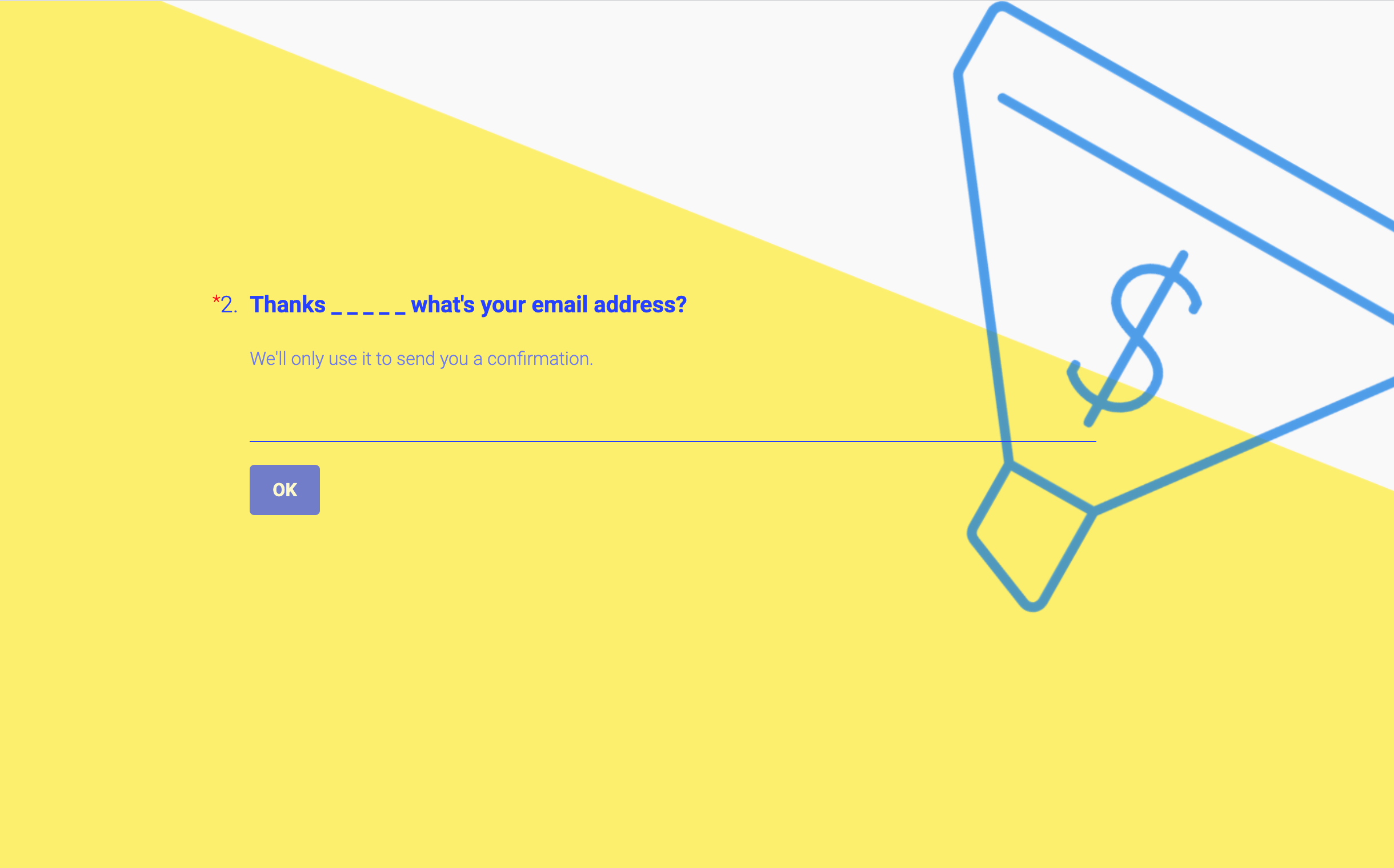
Create a lead generation form that captures high-quality leads and drives conversions
Generate more leads using Formly's user-friendly form builder.

Fully brand your lead capture form with colors, fonts, and logos and embed the form exactly where potential customers encounter them—on your website, landing pages, and marketing campaigns.


Lead generation form maker FAQs
1. How do I use this lead generation form template?
Start by selecting the ready-made template in Formly's drag-and-drop form builder. From there, you can easily customize the lead form template to match your business requirements and include form fields that collect contact details, assess customer needs, and gather lead information. Set up the form logic using conditional logic to show relevant questions based on user responses, creating an effective lead generation form that helps you capture leads efficiently. This sales lead form template is designed for businesses but can be adapted for any organization that needs to collect leads—from marketing client intake forms and new client forms to contact forms and survey templates. The form template allows you to create lead generation forms that help businesses collect information from potential customers effortlessly.
2. What information should my lead capture form include?
Effective lead generation forms typically include basic contact information like name, email addresses, phone numbers, and company details, plus qualifying questions that help your sales team understand potential clients' needs. For sales lead forms, include questions about budget, timeline, project scope, and specific requirements. Marketing client intake forms should cover current challenges, goals, and preferred communication methods. The template includes customizable form fields that make it easy to collect contact details while gathering valuable lead data. Use conditional logic to show or hide fields based on user responses, ensuring you collect the right information from potential customers without overwhelming them with unnecessary questions.
3. Can I customize this lead form template for different use cases?
Yes! You can fully customize the design with your brand colors, fonts, and logos to create a professional first impression that builds trust with potential customers. Beyond aesthetics, you can tailor form fields to your specific lead generation needs, add conditional logic to create personalized experiences, and customize the form flow for different business scenarios. This makes it perfect for businesses using online lead generation, sales teams capturing sales leads, marketing professionals creating email marketing campaigns, and any organization that needs to generate more leads and collect information from potential customers across various industries and business types.
4. How do I create a lead generation form that maximizes conversion rates?
Form creation is straightforward with Formly's drag-and-drop form builder that helps businesses create effective lead generation forms without technical expertise. In our form builder, you can create different lead capture paths using conditional logic to show relevant fields based on user responses. For example, if someone indicates interest in a specific service, show follow-up questions about their timeline and budget. Keep the basic form simple initially, then use conditional logic to gather more detailed information as prospects engage. This approach helps you collect leads while maintaining high conversion rates and ensuring potential customers don't abandon the form due to complexity.
5. Where can I deploy my lead generation form to capture more leads?
You can embed the form across all digital touchpoints to optimize your lead generation strategy! Use them on landing pages for paid advertising campaigns, integrate them into your website as contact forms, or deploy them in email marketing campaigns as sign-up forms. Share them through social media, add them to your sales funnel as lead capture tools, or use them for event registration and webinar sign-ups. Whether potential customers access your online lead generation forms on mobile devices or desktop computers, Formly's templates are fully responsive and provide a user-friendly experience that encourages form completion and helps you collect leads effectively.
You can export lead data to Google Sheets for analysis and integrate with CRM systems, email marketing platforms like HubSpot, and other sales tools through Zapier for comprehensive lead management and nurturing.
6. How can this template help me generate more leads across different industries?
This comprehensive lead generation form template serves as a versatile tool for capturing leads across various business sectors and customer touchpoints. Whether you need to collect leads for professional services, e-commerce businesses, healthcare providers, or consulting firms, you can customize the form template to address specific industry needs. The template includes flexible form fields, conditional logic options, and custom branding capabilities that help you create lead generation forms tailored to your target audience. This sales lead form helps you build an effective lead capture system that generates high-quality leads and supports your business growth goals across different markets and customer segments.
7. How do I turn captured leads into successful sales conversions?
With Formly's Google Sheets integration, you can automatically organize lead information into comprehensive sales management frameworks that help your sales team follow up effectively with potential clients. Export lead data to track conversion rates, analyze lead quality, and monitor your sales funnel performance across different lead sources. Use the gathered client information to create targeted follow-up campaigns, develop personalized sales approaches, or generate detailed lead reports that help your sales team prioritize high-potential prospects. Want to optimize your lead generation process? Use the collected lead data to identify the most effective form fields, refine your qualifying questions, or develop targeted nurturing sequences—all based on the specific lead information, contact details, and business needs each prospect shared through their detailed form responses. This comprehensive approach helps you manage your lead generation process while demonstrating measurable improvements in lead quality and conversion rates that support long-term business growth and sales success.
Find the perfect starting point with ready-to-use templates

Subscription feedback form
Gain honest feedback on what’s working—and what’s not—with a simple, user-friendly subscription form.

Inspection checklist form
Turn routine checks into reliable results with a checklist that ensures quality and compliance every time.

Event registration form
Make event sign-up simple and engaging with a form that collects key info and confirms attendance effortlessly.
bottom of page